
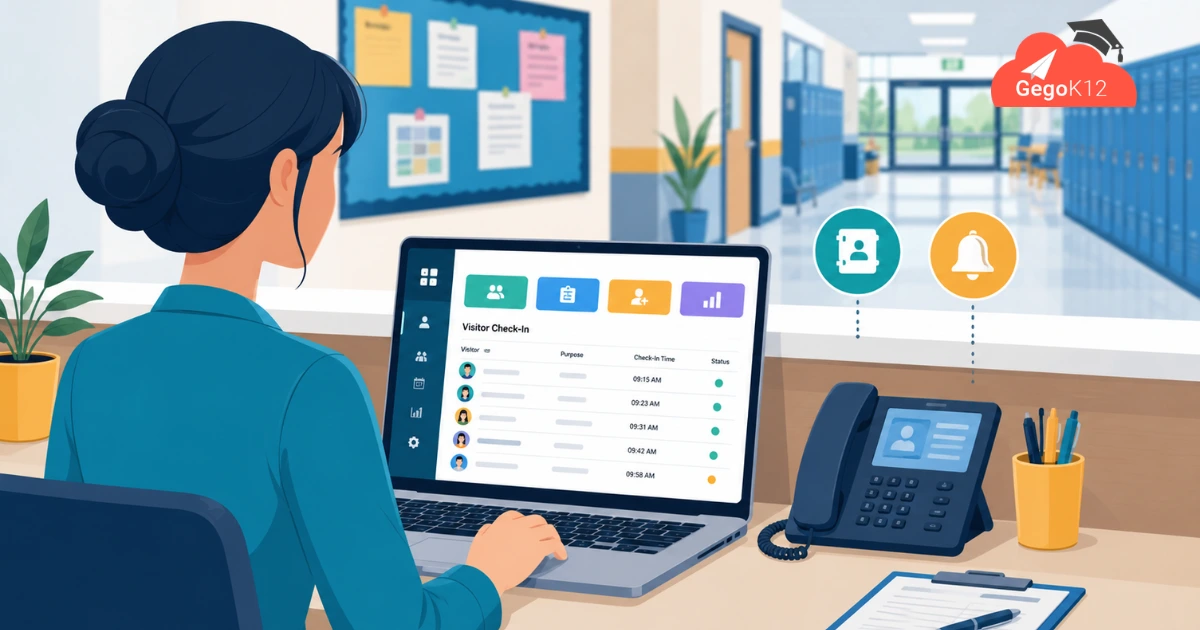
Most Indian schools still run their front desk the old way, with no real school reception management software in place. A visitor register sits open on the counter. A paper telephone directory hangs beside the landline. The receptionist tries to remember which enquiry she promised to call back. This works fine, technically. However, it falls apart the day a parent asks “who visited my child’s classroom yesterday?” and nobody can find the page.
A school’s reception desk is the first thing every parent, vendor, and inspector experiences. It sets the tone for how organized the whole institution feels. Schools have digitized attendance, fees, and exams already. Yet the front desk is often the last place to get real software attention, mostly because most ERP vendors treat it as a footnote, not a core feature.
Free school reception management software changes that. GegoK12’s Reception Module is a fully free, built-in part of its open-source school ERP. It replaces the visitor register, the sticky-note enquiry tracker, and the disconnected phone directory with one searchable digital system. There is no license cost involved, ever.
What Is School Reception Management Software?
School reception management software is the layer that governs everything happening at a school’s entry point before a visitor, call, or enquiry reaches the person they’re looking for. Specifically, in a modern school ERP, this typically includes:
- Logging every visitor who walks in — name, purpose, contact, and who they’re meeting
- Recording enquiries from prospective parents (admissions leads)
- Managing a searchable staff and department telephone directory
- Notifying the right staff member the moment someone arrives or calls for them
- Keeping a permanent, exportable record for safety and compliance
Without this layer, schools rely on registers that get lost, receptionists who become single points of failure, and no searchable history of who came in, when, and why.
Why Manual Front-Desk Management Fails Schools in 2026
Paper-based reception processes create three recurring problems for Indian schools. Each one costs time, money, or trust.
1. No searchable visitor history. Imagine a parent, auditor, or safety officer asks “who visited on March 12th?” With a paper register, that means flipping through pages by hand. Assuming, of course, the register wasn’t misplaced first.
2. Lost admissions enquiries. A parent calls about admission. The receptionist jots a name on a sticky note. By the end of the week, half those leads are simply gone. That is a direct hit to enrollment numbers.
3. Staff interruptions and miscommunication. Without a system to route a visitor or call correctly, front-desk staff either interrupt classes unnecessarily or let enquiries sit unanswered for hours.
These are not hypothetical problems. In fact, they are the exact reasons GegoK12 built Reception as a core free module rather than an expensive add-on.
Key Features of GegoK12’s Free Reception Module
Together, these four features are what make GegoK12’s school reception management software genuinely useful day to day, not just a checkbox feature.
Digital Visitor Log & Check-In
The system logs every visitor the moment they arrive. Name, contact number, purpose of visit, and the staff member they’re there to see all get recorded instantly. It timestamps the entry automatically. As a result, any admin can search the record in seconds instead of digging through a paper book.
Telephone Directory Integration
Instead of a printed directory taped to the desk, staff get a live, searchable telephone directory inside the ERP. The directory lists departments, teachers, and admin staff with direct extensions. Consequently, a call for accounts or a specific teacher gets routed correctly the first time.
Enquiry & Lead Tracking
The module logs every walk-in or phone enquiry as a trackable record, not a sticky note. This matters most for admissions. Instead of relying on memory, school admins can follow up systematically and protect the enrollment pipeline they worked hard to build.
Real-Time Staff Notifications
When a visitor checks in for a specific teacher, the module can flag that arrival right away. The staff member knows immediately. Nobody has to walk across campus or interrupt a class in session just to pass along a message.
How the Reception Module Connects to the Rest of GegoK12
GegoK12 works as one connected open-source school ERP, not a bundle of disconnected tools. Because of this, the Reception Module never operates in isolation:
- Reception staff can cross-reference a visitor checking in for a teacher against Classroom Management to confirm which period that teacher is free.
- An admissions enquiry logged at reception feeds directly into the school’s broader enrollment records.
- Notice board and push notification modules can alert staff about scheduled visits, such as an inspection or parent meeting.
In short, the front desk isn’t a separate silo. Instead, it connects to the same student, staff, and communication data as every other department.
Benefits for Schools
Administrators get a searchable, exportable visitor record that satisfies safety audits without manual paperwork.
Admissions teams stop losing walk-in or phone enquiries, since every lead gets captured the moment it happens.
Meanwhile, teachers and staff face fewer unnecessary interruptions, since the front desk can confirm availability before sending a visitor across campus.
Parents notice a more professional first impression — the same digital polish they’ll see again in the parent app.
Finally, the school’s budget benefits too. This module is genuinely free inside GegoK12’s core, not a premium upsell, so even budget-constrained schools get a modern front desk at no extra cost.
How to Get Started with GegoK12’s Free Reception Module
Getting the Reception Module running doesn’t require a large IT project. Schools generally have two paths:
- Self-host it for free. Since GegoK12 is MIT-licensed, technical teams can pull the GegoK12 source code directly from GitHub. From there, they can deploy it on their own server and configure Reception alongside any other free modules the school needs.
- Try it risk-free first. Alternatively, schools that want to see the module in action can request the free school ERP demo. It walks through Reception along with the rest of GegoK12’s free feature set.
For a visual walkthrough before setup, GegoK12 also maintains GegoK12 video tutorials covering configuration across its modules.
A Quick Real-World Scenario
Picture a Tuesday morning at a mid-sized CBSE school. A parent walks in unannounced, asking to see her son’s class teacher. In the old system, the receptionist would guess the teacher’s free period, walk over, and hope for the best. Often, she’d interrupt a class instead.
With GegoK12’s Reception Module, the process looks different. The receptionist logs the visitor in seconds. The system checks the teacher’s timetable automatically. It confirms the teacher is free during the next period. A quick notification goes out, and the front desk invites the parent to wait comfortably instead of standing there.
Later that afternoon, the same school gets a call from the local education board asking for visitor records from the past month. Instead of searching through a paper register, the admin exports a clean digital report in under a minute. That is the real difference a free school reception management software system makes. It’s not just about looking modern. It is about removing friction from dozens of small daily interactions that, together, define how a school runs.
FAQs
Is the Reception Module really free, or is it a premium add-on?
It’s part of GegoK12’s free, open-source core — no license fee, no upgrade required.
Can it handle both walk-in visitors and phone enquiries?
Yes. The system logs both as searchable records, distinguishing visitor check-ins from phone-based enquiries so admissions and front-desk data don’t get mixed up.
Does it require special hardware, like a visitor badge printer?
No. The module runs as software inside the ERP; schools can optionally pair it with ID/badge printing hardware later, but it works fully without any.
Can multiple front-desk staff use it across different campuses?
Yes — since GegoK12 supports role-based access, reception staff at different branches of a multi-campus school group can each manage their own visitor logs within the same system.
The Bigger Picture
A reception desk might seem small next to attendance, exams, or fees. However, it’s the one place where every stakeholder — from a first-time parent to a government inspector — forms an opinion of how well-run the school actually is. GegoK12 treats it with the same seriousness as its bigger modules: fully digital, fully connected to the rest of the ERP, and completely free as part of its open-source core.
Schools that want to see how it fits alongside attendance, admissions, and communication can explore the free school ERP demo or pull the code directly from GitHub to get started today.