
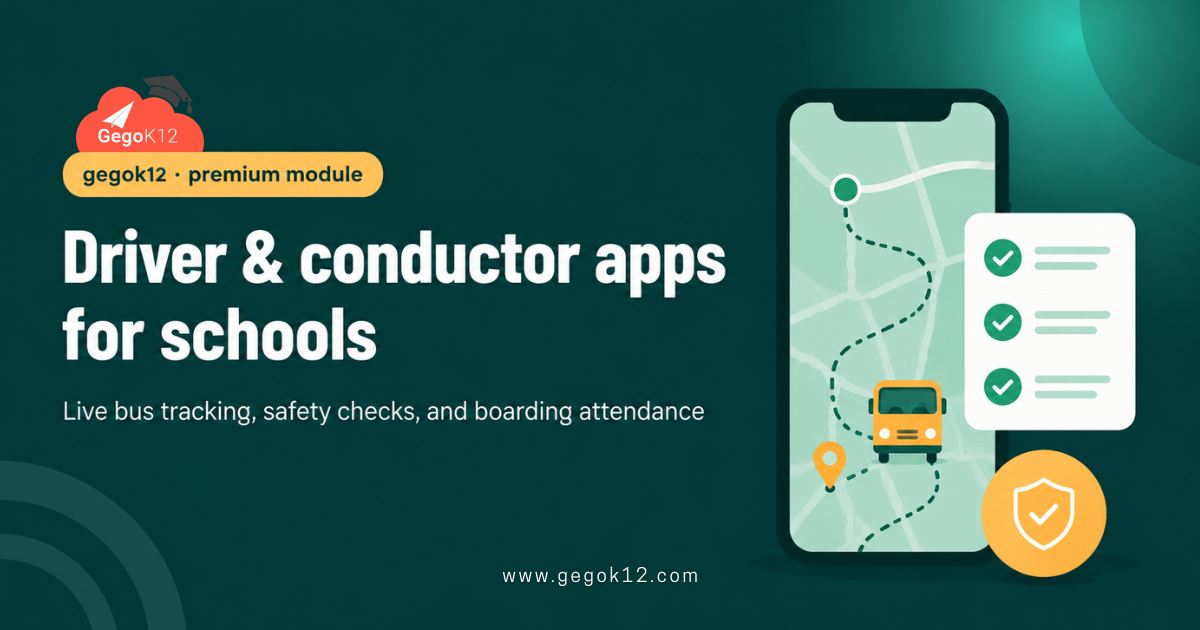
Most school bus tracking articles talk about the parent’s side — a map, a live pin, an ETA. Rarely do they mention the two people who actually run the bus every morning: the driver behind the wheel and the conductor or attendant managing the children on board. Driver and conductor apps for schools exist specifically for them, and GegoK12 builds this as part of its premium School Bus Management module.
This distinction matters because a school bus isn’t safe just because a parent can see a moving dot on a map. It’s safe because the driver follows the correct route and the conductor accounts for every child getting on and off. GegoK12’s open-source school ERP includes this at the premium tier, built specifically around these two roles rather than treating transport as a single generic tracking feature.
What Are Driver and Conductor Apps for Schools?
Driver and conductor apps for schools are role-specific mobile tools built for the two staff members physically present on a school bus, rather than a single generic tracking dashboard. Specifically, this typically includes:
- A driver-facing app for route navigation, trip start/end logging, and incident reporting
- A conductor-facing app for marking each child present or absent at pickup and drop-off
- Both apps feeding the same live data that parents and admins see elsewhere in the ERP
Most transport software stops at showing a bus location on a map. Role-specific apps go further, capturing what actually happens inside the vehicle.
Why Schools Need Role-Specific Transport Apps
Three problems show up when schools rely only on generic GPS tracking without dedicated driver and conductor tools.
1. No record of who actually boarded. A tracking map shows where the bus is, but not whether a specific child got on at their stop. Consequently, a missed child can go unnoticed until a parent calls asking why their child never arrived.
2. No structured route or safety accountability for the driver. Without a dedicated app, drivers rely on memory or a paper route sheet. As a result, deviations or delays are hard to explain or verify afterward.
3. No incident reporting trail. If something goes wrong on a route — a breakdown, a delay, a behavioral issue — there’s often no formal record beyond a phone call. Therefore, schools have limited ability to review what happened later.
These gaps are exactly why GegoK12 built dedicated apps for these two roles instead of a single generic tracker.
Key Features of GegoK12’s Driver and Conductor Apps (Premium)
Together, these features are what separate role-specific transport apps from a basic map-based tracker.
Driver App: Route Navigation & Trip Logging
Drivers get turn-by-turn route guidance along with a simple way to log trip start and end times. This means the school has an accurate, timestamped record of every trip, not just an estimate.
Conductor App: Digital Attendance for Bus Boarding
Conductors mark each child present or absent as they board and disembark, directly from a mobile device. Consequently, a missed pickup gets flagged immediately instead of discovered hours later.
Daily Safety Checklists
Both apps can include a quick pre-trip safety checklist — seatbelts, emergency exits, first-aid kit — that the driver or conductor confirms before departure. This creates a documented safety record for every single trip.
Incident & Delay Reporting
If something happens on the route, drivers or conductors can log it directly through the app. As a result, the school has a real record instead of relying purely on a phone call after the fact.
How Driver and Conductor Apps Fit Into GegoK12’s Free Core
GegoK12’s free core already tracks student and class records through modules like Student Information Management. The Driver and Conductor Apps, as part of the premium School Bus Management module, connect to that same foundation:
- Conductor attendance data can be cross-referenced against the student records already in the free core.
- Parent notifications sent when a child boards or disembarks can route through the same communication system used elsewhere.
- Because everything is connected, transport data isn’t a separate silo from the rest of the school’s records.
In short, these apps aren’t a bolt-on tracking tool. Instead, they extend the same connected system schools already use for the free core.
Free Core vs. Premium Add-On: What You Get at Each Level
GegoK12’s free, self-hostable core covers Classroom Management, Attendance, Student Information Management, Reception, Lesson Planning, and more, all under the MIT-licensed GegoK12 source code on GitHub.
School Bus Management, along with the Driver and Conductor Apps that support it, sits in the premium tier alongside modules like Online Quiz and Private Chat. Access requires GegoK12’s paid support plan, which includes installation and configuration help.
This distinction keeps expectations honest. A school can run entirely on the free core forever. However, a school that specifically wants dedicated driver and conductor tools for transport safety needs to budget for the premium tier.
Benefits for Schools, Drivers, and Parents
Drivers get clear route guidance and a simple way to log trips, instead of relying purely on memory or paper sheets.
Conductors get a fast, reliable way to record attendance at every stop, reducing the chance of a missed child going unnoticed.
Meanwhile, parents get real confirmation that their child boarded and disembarked safely, not just a moving dot on a map.
Administrators, in turn, get a documented safety and attendance trail for every trip, useful for both daily operations and incident review.
A Quick Real-World Scenario
Picture a school bus running its usual afternoon route home. A child who normally gets off at the fourth stop stays on the bus by mistake, distracted and half asleep.
With GegoK12’s Conductor App, the conductor already confirmed exactly who boarded at pickup and checks the list again at each drop-off point. The missed disembarkation gets flagged immediately, rather than surfacing later when a worried parent calls the school. That is the practical value of driver and conductor apps for schools — catching small mistakes before they become serious problems.
How to Get GegoK12’s Driver and Conductor Apps
Since this sits within a premium module, schools typically start in one of two places:
- See it in action first. Request the free school ERP demo, which includes a walkthrough of School Bus Management, along with the Driver and Conductor Apps, alongside GegoK12’s free core features.
- Explore the free core independently. Technical teams can review the GegoK12 source code on GitHub to understand what’s included at no cost, then ask separately about premium access for transport management.
For a broader look at how GegoK12’s modules work together, the GegoK12 video tutorials cover configuration across both free and premium features.
FAQs
Are the Driver and Conductor Apps free?
No. They’re part of the premium School Bus Management module, built on top of GegoK12’s free, open-source core ERP.
Do parents need a separate app to see this data?
No. Boarding and drop-off confirmations feed into the same parent-facing communication and tracking tools already used elsewhere in GegoK12.
Can a driver and conductor use the apps on the same device?
Typically no — each role has its own login and app view, since a driver focused on the road and a conductor managing children need different, focused interfaces.
Can I try it before committing to premium access?
Yes — the free school ERP demo includes a walkthrough of School Bus Management, including the driver and conductor tools, so schools can evaluate it firsthand.
The Bigger Picture
School transport safety depends far more on what happens inside the bus than on a parent’s ability to watch a dot move across a map. GegoK12’s Driver and Conductor Apps focus on exactly that — giving the two people actually responsible for the trip the tools to do it accountably.
It’s a premium feature, not a free one, and this article won’t pretend otherwise. Schools that want to see exactly what that includes can start with the free school ERP demo or review GegoK12’s free core on GitHub first.