
A teacher spends Sunday night writing a 20-question test. Monday, she photocopies it for four sections. Tuesday, she spends two full hours marking answer sheets by hand, one paper at a time. By Wednesday, the marks finally reach the students — three days after the test itself.
This is still normal in most schools. However, it doesn’t have to be. Online quiz software for schools removes the photocopying, the manual marking, and the multi-day delay, replacing it with a system where a quiz gets created once, taken digitally, and graded automatically the moment a student submits.
GegoK12 offers exactly this through its Online Quiz Module. Unlike GegoK12’s free core features, this one sits in the premium tier — a paid add-on built on top of the same open-source school ERP foundation. This article explains what it does, what it costs to access, and how it compares to the free core.
What Is Online Quiz Software for Schools?
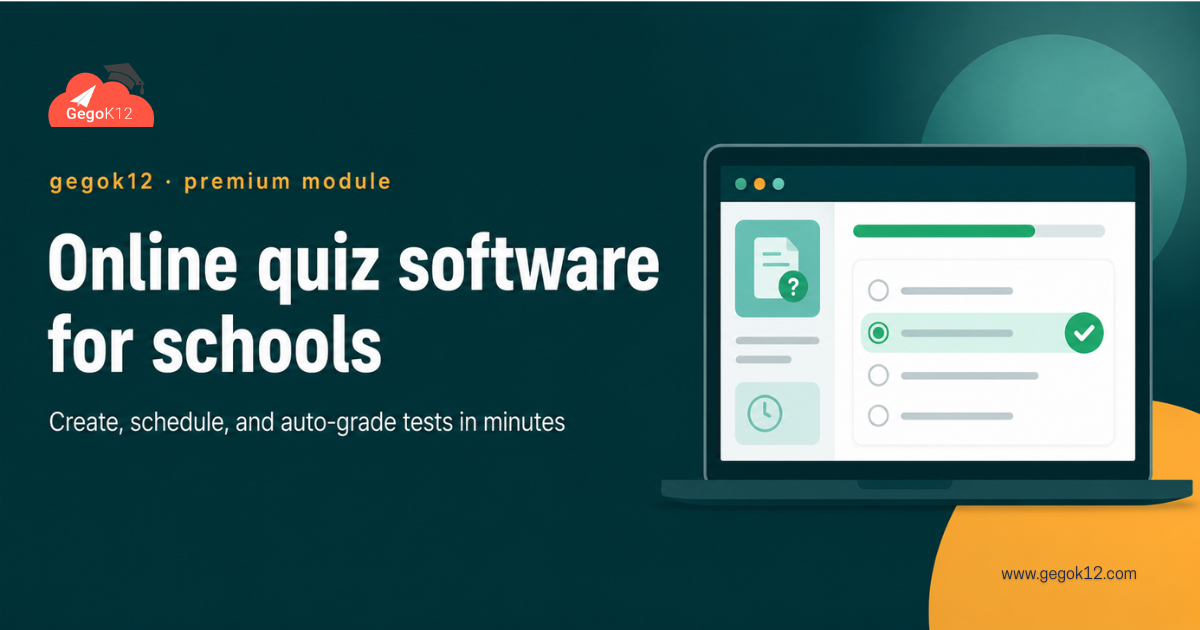
Online quiz software for schools is a digital tool that lets teachers create tests, assign them to students, and grade the results automatically instead of by hand. Specifically, a proper school-focused version should support:
- Multiple question formats, not just multiple choice
- Automatic grading for objective questions
- Scheduled release and time limits
- Result analytics teachers can actually use
Generic quiz tools built for general audiences rarely integrate with a school’s actual class lists, timetables, or student records. That gap is exactly what a purpose-built module like GegoK12’s aims to close.
Why Schools Upgrade to a Dedicated Quiz Module
Three problems push schools toward a paid, purpose-built solution instead of a free generic quiz app.
1. Manual grading eats teacher time. A 40-student class with a 20-question test can take hours to mark by hand. Meanwhile, that time could go toward actual lesson planning or feedback.
2. Generic tools don’t know your class structure. A free consumer quiz app has no idea which students belong to which class or section. Consequently, teachers end up doing manual setup work every single time.
3. No connection to the rest of the school’s data. Results from a standalone quiz app sit in isolation, disconnected from attendance, report cards, or academic performance tracking elsewhere in the ERP.
These gaps are exactly why GegoK12 built its quiz functionality as an integrated premium module rather than pointing schools toward a free third-party tool.
Key Features of GegoK12’s Online Quiz Module (Premium)
Together, these features are what separate a purpose-built school quiz tool from a generic consumer app.
Multiple Question Types
Teachers can build quizzes using multiple choice, true/false, and short-answer formats, all within one test. This means a single quiz can measure both quick recall and slightly deeper understanding.
Auto-Grading & Instant Results
Objective questions get graded the instant a student submits. As a result, students see their scores immediately, and teachers skip the manual marking entirely for that portion of the test.
Scheduled & Timed Quizzes
A teacher can schedule a quiz to open at a specific time and set a strict duration. Therefore, every student in a class takes the test under the same conditions, regardless of when they log in.
Performance Analytics
Beyond individual scores, the module surfaces class-wide patterns — which questions most students got wrong, average scores by section, and trends over multiple quizzes. Consequently, teachers can adjust their next lesson based on real data instead of guesswork.
How the Online Quiz Module Fits Into GegoK12’s Free Core
GegoK12’s free core already includes Classroom Management, Student Information Management, and Attendance, among other modules. The Online Quiz Module builds directly on top of that foundation rather than existing as a separate system:
- Quiz results can feed into the same student records already tracked by Student Information Management.
- Class and section data set up in Classroom Management populates the quiz assignment lists automatically.
- Because everything lives in one ERP, a teacher never has to re-enter student names or class rosters manually.
In short, the quiz module isn’t a bolt-on tool. Instead, it extends the same connected system schools already use for the free core.
Free Core vs. Premium Add-On: What You Get at Each Level
GegoK12’s free, self-hostable core covers essentials like Classroom Management, Attendance, Student Information Management, Library, and more, all under an MIT license with the full GegoK12 source code available on GitHub.
The Online Quiz Module, along with a handful of other advanced features, sits outside that free repository. Schools that want it need GegoK12’s paid support tier, which bundles installation help, configuration, and access to premium modules like this one.
This distinction matters, since it keeps expectations honest. A school can run entirely on the free core forever, at zero license cost. However, a school that specifically wants automated online testing needs to budget for the premium tier to get it.
Benefits for Teachers, Students, and Admins
Teachers reclaim hours previously spent on manual grading, freeing that time for actual teaching preparation.
Students get their results immediately, instead of waiting days to see how they performed.
Meanwhile, academic coordinators gain visibility into which topics an entire class is struggling with, not just individual student scores.
Administrators, in turn, get a single connected system instead of juggling a separate quiz app that doesn’t talk to the rest of the school’s records.
A Quick Real-World Scenario
Picture a Friday afternoon at a mid-sized school. A Class 10 Science teacher needs a quick recap quiz before Monday’s unit test. In the old approach, she would print 40 copies, distribute them, collect them, and spend the weekend marking.
With GegoK12’s Online Quiz Module, the process looks different. She builds a 15-question quiz Thursday evening, schedules it to open Friday morning, and sets a 20-minute limit. Students complete it on their own devices during a free period. By lunchtime, she already has class-wide analytics showing exactly which topic needs another look before Monday.
That is the practical difference online quiz software for schools makes — not just convenience, but faster feedback loops that actually change how the following week gets taught.
How to Get GegoK12’s Online Quiz Module
Since this is a premium feature, schools generally have two starting points:
- See it in action first. Request the free school ERP demo, which includes a walkthrough of the Online Quiz Module alongside GegoK12’s free core features, so you can evaluate it before committing.
- Explore the free core independently. Technical teams curious about GegoK12’s architecture can review the GegoK12 source code on GitHub to understand what’s included at no cost, then reach out separately about premium access for the quiz module.
For a broader look at how GegoK12’s modules work together, the GegoK12 video tutorials cover configuration across both free and premium features.
FAQs
Is the Online Quiz Module free?
No. It’s part of GegoK12’s premium tier, built on top of the free, open-source core ERP.
Can it grade every question type automatically?
Objective formats like multiple choice and true/false grade instantly. Short-answer responses typically still need a teacher’s review.
Does it work with classes already set up in GegoK12?
es. Since it’s integrated into the same ERP, it uses the class and section data already configured elsewhere in the system.
Can I try it before purchasing premium access?
Yes — the free school ERP demo includes a walkthrough of the Online Quiz Module so schools can evaluate it firsthand.
The Bigger Picture
Manual grading has quietly cost teachers hours every single week for as long as tests have existed. GegoK12’s Online Quiz Module doesn’t just digitize that process — it connects results directly into the same system already tracking attendance, classes, and student records.
It’s a premium addition, not a free one, and this article won’t pretend otherwise. Schools that want to see exactly what that premium tier includes can start with the free school ERP demo or explore GegoK12’s free core on GitHub first.